For parents & teachers
How to use Wonderscape
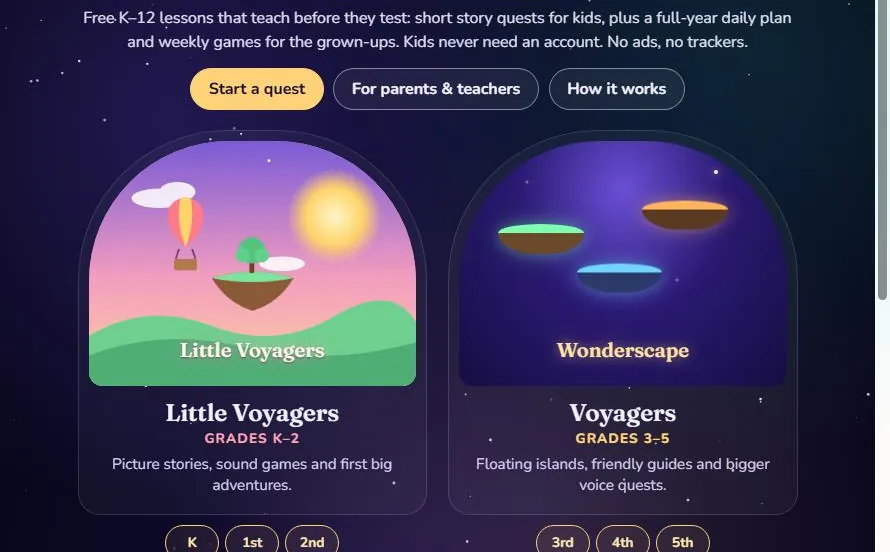
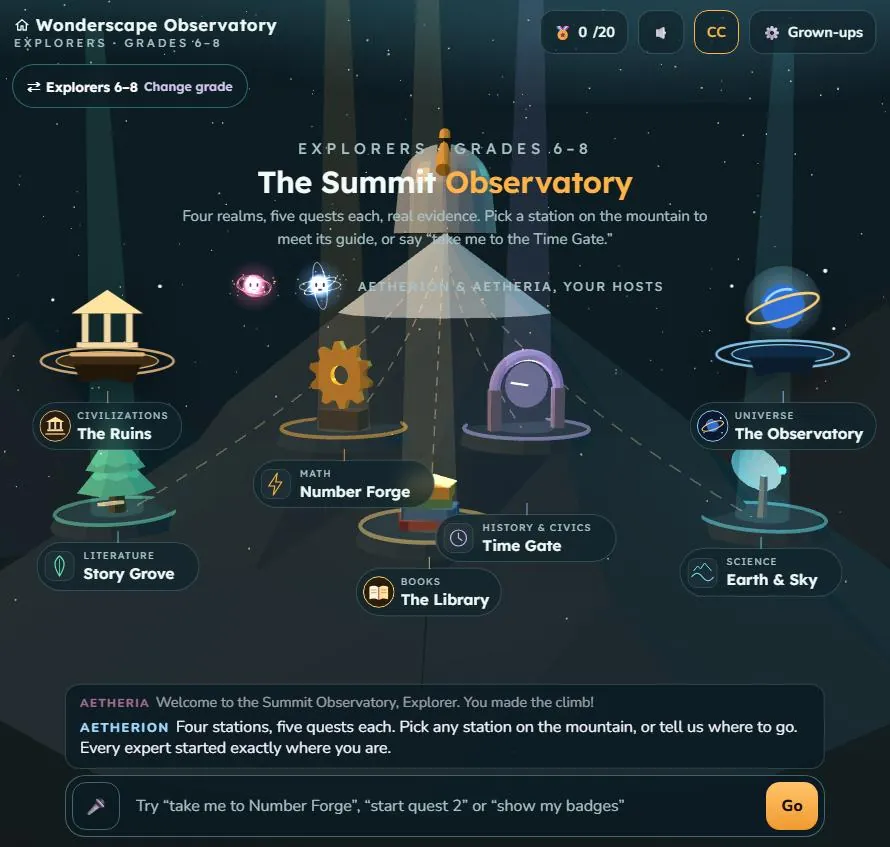
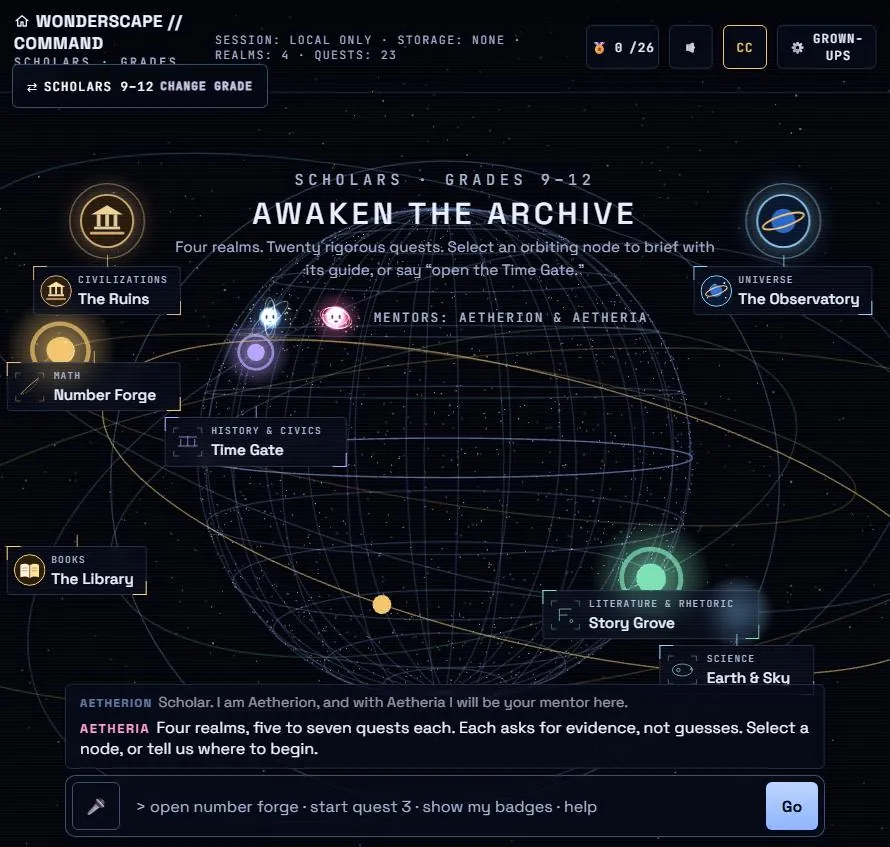
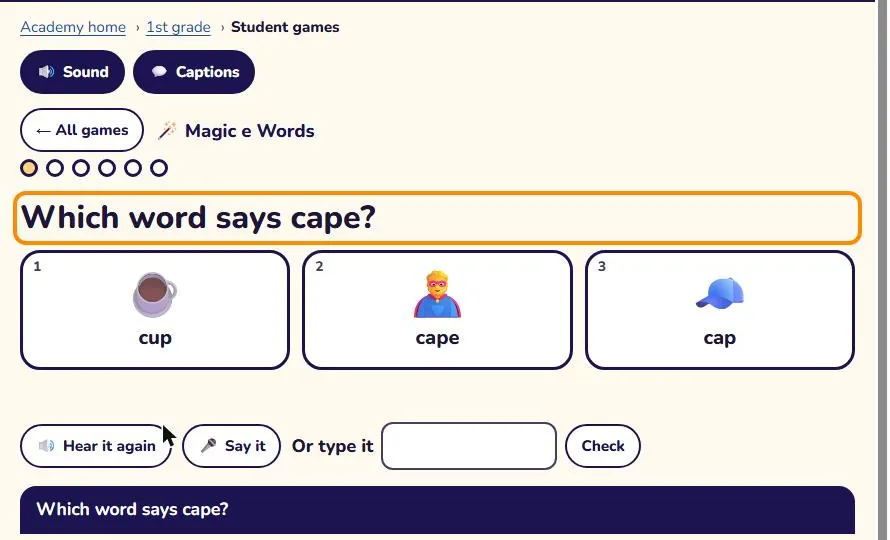
Wonderscape Academy gives every grade from kindergarten through 12th grade three things that work together: a full-year plan with daily lessons for the grown-up, weekly games the student plays on a device, and story quests in four 3D realms. Use all three as a complete program, or use any one of them alongside the books and curriculum you already love.
See it in action
Find your grade
- KindergartenLetters and sounds, counting, play
- 1st gradeReading, adding and subtracting
- 2nd gradeFluency, place value, discovery
- 3rd gradeMultiplication, fractions, discovery
- 4th gradeMulti-digit math, fractions, energy
- 5th gradeDecimals, fractions, matter
- 6th gradeRatios, Earth systems, ancient world
- 7th gradeProportions, cells, world history
- 8th gradeLinear equations, forces, U.S. history
- 9th gradeAlgebra 1, Biology, World history
- 10th gradeGeometry, Chemistry, Modern world
- 11th gradeAlgebra 2, Physics, U.S. history
- 12th gradePrecalculus, Environmental science, Government
Each grade's home page has the year at a glance, every month's theme and goals, weekly skills, end-of-year targets and short check-ins. The home page, year overview and first week are free for everyone.
What's in a day
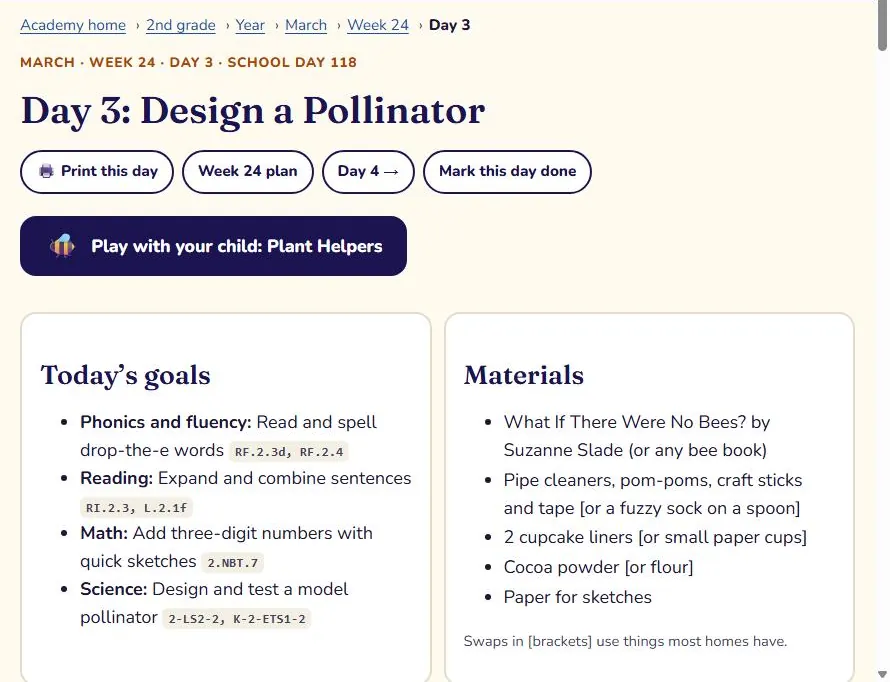
Every daily plan is a full school day in short blocks, with real numbers, real sentences and household materials. A typical elementary day:
| Block | Time | What happens |
|---|---|---|
| Morning meeting | 10–15 min | Calendar, a question of the day, a quick warm-up |
| Word study or phonics | 15–20 min | Sounds, spelling patterns or Greek and Latin roots |
| Reading | 20–30 min | Read-aloud and a short lesson on one reading skill |
| Math | 30–45 min | A worked lesson, practice and a hands-on center |
| Science or social studies | 20–30 min | Investigations, maps and sources; the two take turns |
| Writing | 15–30 min | One skill at a time toward a finished piece |
| Centers and the day's game | 20–30 min | Independent practice plus 15 minutes of the linked game |
| Closing circle | 5–10 min | What we learned and what's next |
Middle and high school days use the same shape with longer blocks named for the course (for example Algebra 1, Biology, World history). Each day also lists a way to make it easier, a way to stretch, what success looks like, and what to keep if the day is short.
Sample schedules
Follow the daily plan in order. Mornings: meeting, word study, reading and math. After lunch: science or history, writing, then the day's game. Most families finish in 3 to 4 hours for elementary and 4 to 5 for high school.
Teach days 1 to 4 of each week. Use Friday for the library, a field trip or catching up, and fold day 5's review into Monday's warm-up.
Keep your main program. Add the week's games (15 minutes a day) and one or two quests a week for the same skills, using the weekly skills list to match topics.
Use the weekly plan for lesson planning and the centers list for rotations. Students play the day's game during centers on Chromebooks or tablets; the hub's daily band shows today's plan on a projector.
Games and quests
Games live on each grade's Student games page and match that week's lessons: a short lesson, then six questions with hints. Quests live in the realms you reach through the doorways on the home page: an 8 to 15 minute story with teaching, practice and a mastery check. In the hub, each realm also opens today's plan for your child's grade.
More help: see a quest step by step, standards maps for every grade and tips for helping at home.
Keeping records
- Create a grown-up account on the account page. Children never need one.
- Add a learner nickname for each child on the progress report page, and choose Use on this device before your child plays.
- Finished games and quests are saved automatically. On any day plan, press Mark this day done to log the lesson and its standards.
- Print or save as PDF from the progress report for a portfolio, a state homeschool log or a conference.
Common questions
- Is this a complete curriculum?
- Each grade has a full 36-week plan across reading, writing, math, science and history, with a plan for every school day from September to June. Many families use it as their main program; others use the games and quests as practice alongside another curriculum.
- How long does a day take?
- About 3 to 4 hours for elementary grades and 4 to 5 hours for high school, including independent practice. Each plan says what to keep on a short day.
- What do I need?
- Paper, pencils, a ruler, library books and everyday household items for the hands-on lessons. Any device with a modern browser runs the games and quests, including school Chromebooks; there is a simpler 2D version for devices without 3D graphics.
- What does it cost?
- Each grade's home page, year overview and first week are free. The first 20 families to create an account get full access free for life as founding families. After that, full access is by membership.
- What about privacy?
- Children never sign up and are never asked for personal information. There are no ads or trackers. Read the privacy policy.
Choose your grade Create an account
Questions or ideas? Email info@wonderscapeacademy.com. A real person reads every message.
© 2026 Wonderscape Academy.